















Hello, your privacy is important to us. Uniview websites use cookies to store info on your device and create the most secure and effective website . By continuing to use our websites, please accept the cookies could be stored on your device, which outlined our cookie policy and privacy policy .






_1036463_651984_0.png)






 X
X
 GLOBAL / ENGLISH



“Does CCTV Camera Have Audio” is a common question about PoE systems. The answer is yes, provided the camera captures sound and the NVR can receive it. One Ethernet cable carries power and network data, so audio needs no separate cable. PoE does not add a microphone, speaker, or recording function. Check the camera hardware, audio format, NVR support, power budget, and playback settings before ordering.
The cable is only a path. Usable sound depends on what the camera creates and the NVR can decode, record, and play.
PoE supplies power while Ethernet carries data. Check peak consumption when the camera also runs a speaker or warning lights.
A microphone captures sound, which the camera encodes in its network stream. The NVR must support that format to keep sound synchronized during recording and export.
One-way audio records sound at the camera. Two-way audio sends speech back through a speaker. Active deterrence can play a warning after an event trigger.
“PoE” confirms a power method, not an audio feature. Three camera areas need a closer check.
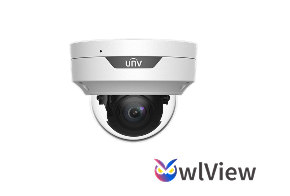
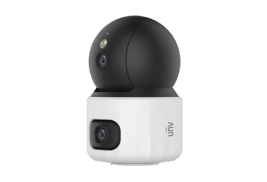
Confirm whether a microphone is built in and its pickup range suits the site. Wind, machinery, and hard walls reduce clarity. OwlView Plus, for example, uses an upgraded microphone with a pickup range 20% longer than OwlView, plus voice-focused noise filtering.
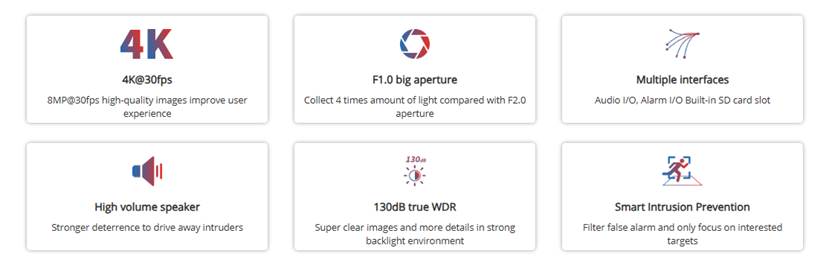
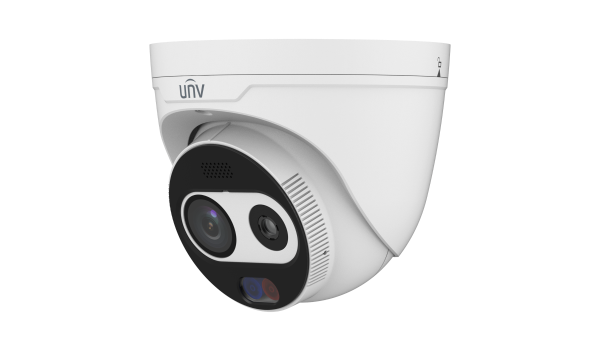
A speaker supports warnings or two-way talk, while Audio In and Audio Out accept external devices. The Tri-Guard 2.0 technical overview lists Audio I/O, Alarm I/O, an SD card slot, and a high-power 3 W speaker.
Check the codec, sample rate, and bitrate. Audio may need activation for both streams. A codec mismatch can leave clear video with silent playback. Review the PoE standard, Ethernet rate, cable distance, and peak draw. Calculate capacity from the maximum figure, not idle consumption.
An audio-ready camera can create a silent archive when the recorder lacks the right channel, codec, or setting.
Add the maximum wattage of each camera and leave practical headroom. A suitable PoE switch may be needed for longer runs or larger sites.
Confirm support for every required IP channel. Physical Audio In and Audio Out ports do not automatically provide equal network audio functions on all channels.
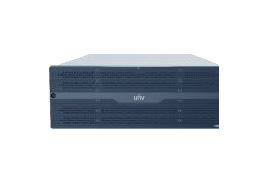
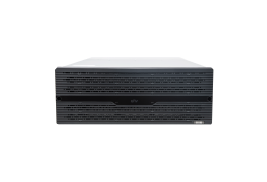
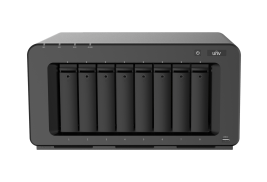
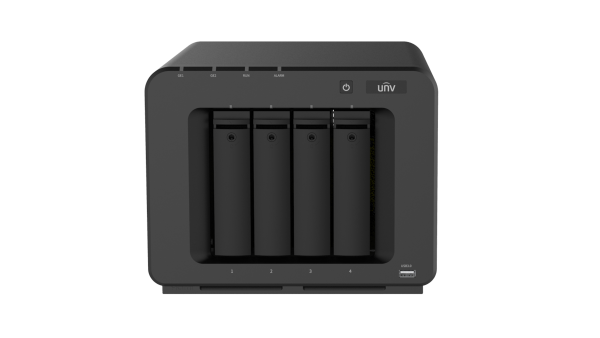
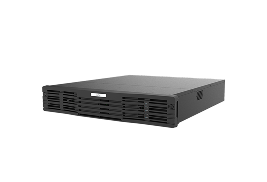
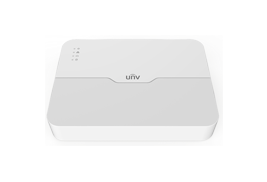
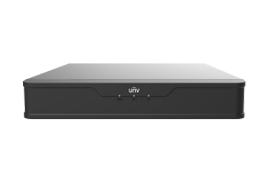
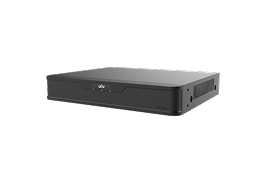
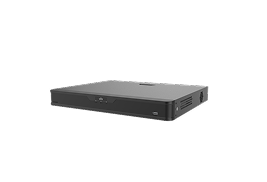
Check continuous, scheduled, and event recording separately. The Easy NVR range includes 4, 8, 16, and 32-channel options with up to four HDDs. Prime models add project functions plus audio and alarm interfaces, though support remains model-specific.
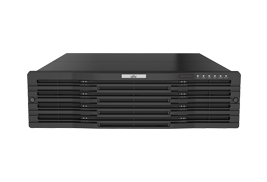
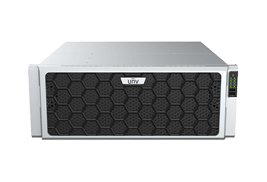
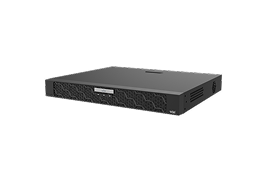
Verify Audio Out, remote talk, permissions, and app support. The 5-E NVR series lists two audio outputs, hot-swappable storage, and redundant power. A 30-second test should cover live sound, playback, export, and return speech.
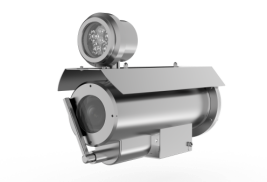
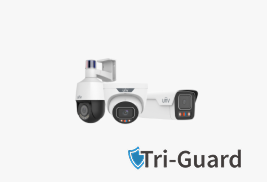
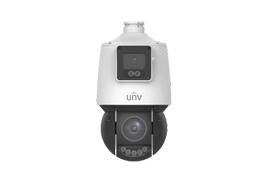
The question “Does CCTV Camera Have Audio?” becomes more useful when sound forms part of an event response. Within the Uniview technology portfolio, Tri-Guard 2.0 combines audio with low-light color, event filtering, and visible warnings.
The 3 W speaker delivers a strong warning after an event trigger, adding on-site deterrence to recorded evidence. Audio I/O supports external sound devices, while Alarm I/O links alarm equipment. Confirm both on the exact model.
Intelligent intrusion prevention filters irrelevant alarms and focuses the response on selected targets. Fewer false triggers mean fewer unnecessary warnings near homes, shops, and hotels.
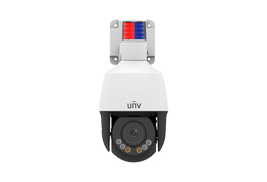
ColorHunter records color detail in low light. Red-blue alerts are more noticeable than white light in rain or fog. Dual-light, IR, and warm-light modes help installers match the response to the site.
Published Tri-Guard 2.0 Feature | Practical Buying Relevance |
8 MP at 30 fps | Detailed, smooth video |
F1.0 aperture | Four times the light intake of F2.0 |
130 dB true WDR | Detail under strong backlight |
3 W speaker | Audible deterrence |
Audio I/O, Alarm I/O, SD slot | Integration and local storage |
These functions suit retail entrances, warehouse boundaries, parking areas, and hotel service zones. Uniview’s industry solution library helps buyers match equipment to different conditions. Uniview reports over 540 large industrial park cases and 300 landmark commercial projects, though every site needs its own audio assessment.
If video uses the same link, the cable often is not the problem. Check settings and compatibility before replacing hardware.
Enable the microphone or Audio In, adjust gain, and confirm that the active stream includes audio. External microphones may need separate power.
Set a format supported by both devices. Test both streams, since mobile viewing may use a different profile from NVR recording.
Enable audio for the correct channel and schedule. Play an exported clip on another authorized device to verify sound. Check the browser, app, speaker, NVR Audio Out, and permissions. Live audio, playback, and two-way talk may use separate settings.
After camera and NVR requirements are clear, supplier capability matters. The Uniview product ecosystem covers cameras, NVRs, PoE switches, storage, software, and mobile tools, creating a clearer route to system compatibility.
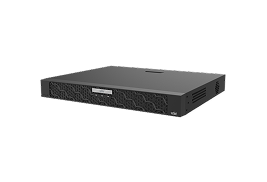
A matched range can reduce codec and power conflicts. Tri-Guard 2.0 can pair with Easy, Prime, or Pro NVR options according to channel count, storage, and project needs.
The company profile reports coverage in over 200 countries and regions, 21 overseas branches, and 20,000-plus partners. It lists six R&D centers, two research institutes, and over 10% of annual revenue invested in R&D. New products pass more than 680 tests.
The Uniview Dealer Partner Program offers training, technical support, marketing resources, demo discounts, and project registration. Support also covers requirement analysis, product selection, configuration, remote debugging, and after-sales service. Before bulk ordering, test the camera, NVR, client, and PoE path together.
In short, Does CCTV Camera Have Audio over PoE? It can, but reliable sound depends on audio hardware, matching codecs, enough PoE power, and correct NVR settings. Treat the camera and recorder as one system. A tested Tri-Guard 2.0 and NVR combination can provide synchronized evidence, remote talk, low-light color, and active warnings without extra cabling. For larger orders, a short test is cheaper than correcting silent channels after installation.
Q1: Does CCTV Camera Have Audio when connected directly to a PoE NVR?
A: Yes, when the camera creates an audio stream and the NVR supports its codec, recording, and playback.
Q2: Does PoE automatically give a security camera a microphone?
A: No. PoE supplies power and a network path. The microphone, speaker, and audio interfaces remain separate hardware.
Q3: Can one Ethernet cable carry video, audio, and power?
A: Yes. Power uses PoE, while encoded video and audio travel as network data through the same cable.
Q4: Why can live view have sound while recorded footage is silent?
A: Audio recording may be disabled, or the event schedule may save video only. Check both settings.
Q5: What should be tested before buying PoE cameras in bulk?
A: Test PoE load, live audio, event recording, playback, export, remote talk, warning volume, and permissions with the chosen camera and NVR.