











Hello, your privacy is important to us. Uniview websites use cookies to store info on your device and create the most secure and effective website . By continuing to use our websites, please accept the cookies could be stored on your device, which outlined our cookie policy and privacy policy .






_1036463_651984_0.png)






 X
X
 GLOBAL / ENGLISH


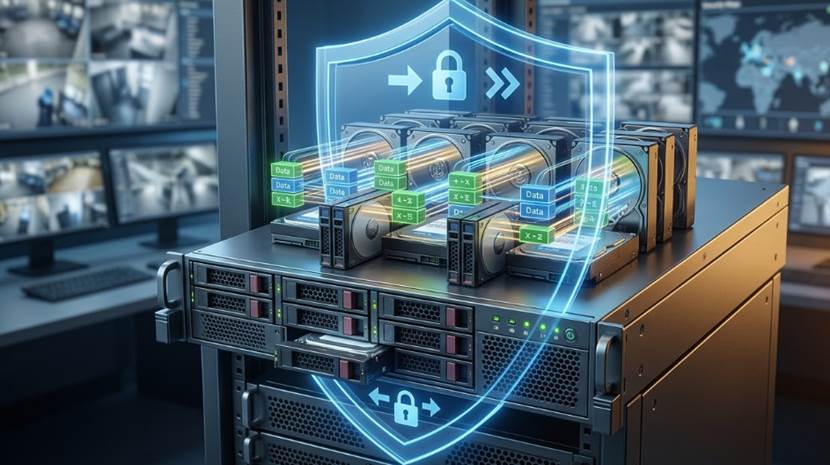
In today's world of physical security, video surveillance has changed from a simple viewing tool into a busy network that runs on data and smart features. Places that need strong security today, like busy airports, large factory areas, and big casinos, depend heavily on dozens or even hundreds of very clear, high-definition cameras. These modern cameras send 4K video streams that are full of smart details, like facial recognition data and boundary alert information, and they do this work all day and all night without ever stopping.
This huge increase in the amount of data puts a very heavy load on the main storage equipment, which is known as the Network Video Recorder (NVR). In standard and cheaper security setups, the video data goes straight into a single hard disk drive or a simple group of basic disks. The biggest problem with this setup is that it creates a single point where everything can fail at once. Hard drives are physical machines with spinning parts and moving pieces that write the data. Because they are mechanical, they can easily break down from normal wear and tear, getting too hot, or sudden power issues. If a drive breaks in a regular NVR, days or even weeks of important security video will disappear in a second. When a break-in happens or someone needs to check the tapes for legal reasons, losing this data can cause huge problems and cost a business a lot of money.
To lower this big danger, professional security systems use a special technology called RAID, which stands for Redundant Array of Independent Disks. People first made RAID for big computer servers, but now it is the best choice for high-quality video security. But how exactly does RAID technology enhance the reliability of NVR systems? This guide explains the main ideas behind RAID, the best ways to set it up for cameras, and how strong equipment like the Uniview Pro Series NVRs are built to keep your most important video files safe from harm.
RAID technology completely changes the way a Network Video Recorder deals with your video files. Instead of treating every single hard drive as its own separate box, a special RAID chip connects several physical hard drives together so they act like one giant, safe storage space. This joined group uses three main methods to greatly improve how well the system works and how safe the files are, which include keeping extra copies of data, making sure the system stays on, and speeding up how fast the computer can write the video.
The main job of RAID in an NVR is to stop data from getting lost when a piece of hardware breaks. It does this by using two different methods called mirroring and parity. Mirroring means the system writes the exact same video file to two different hard drives at the exact same time. If the first drive stops working because of a mechanical crash, the second drive already has a perfect, up-to-date copy of the video. No video is lost, and the security team can keep working normally. Parity is a more complex math trick used in bigger RAID setups. The NVR uses a math formula to create special "parity bits" for the video, and it spreads these bits across all the drives in the group. If one drive dies, the computer uses the leftover video on the good drives and the special math bits to guess and rebuild the missing video right there on the spot.
In a serious security building, you cannot just turn off the camera system to fix a broken part. When a hard drive breaks in a basic NVR, you usually have to turn the whole machine off, which leaves the security guards totally blind while someone puts in a new drive. RAID NVRs fix this by keeping the system running even when a part is broken. If a drive fails, the system makes a loud beep or sends an email to warn the team, but it keeps recording new video and lets people watch old video at the same time. Furthermore, professional NVRs let you do something called hot-swapping. This means a worker can open the machine, pull out the broken hard drive, and push in a brand-new drive while the NVR is still plugged in and recording. Once the new drive clicks into place, the NVR starts rebuilding the lost data in the background without dropping any camera feeds.
Being reliable is not just about keeping data safe after a crash; it is also about making sure the video records smoothly in the first place. When an NVR tries to record sixty-four different 4K cameras at the same time, a single hard drive simply cannot spin fast enough to catch all that data. If the disk writes too slowly, the video will jump, freeze, or just fail to save. RAID uses a trick called striping to fix this speed limit. The NVR cuts the incoming video into tiny pieces and writes them across several hard drives at the same time. By sharing the heavy work, the group of drives writes the video much faster. This makes sure that even during really busy times, the NVR catches every single second smoothly.
Not all RAID setups are the same, and people use different numbers to describe them. Different RAID levels focus on different things, like giving you more space, writing faster, or keeping the data safer. Picking the right level is very important if you want your NVR to match what your security building actually needs.
Even though the idea of RAID sounds perfect on paper, putting it into real life requires very strong computer parts. Many cheaper NVRs try to do this by using software instead of real hardware. In these cheap machines, the main computer chip has to do all the hard math for the RAID while also trying to show video, run the internet connection, and process smart camera alarms. When a hard drive breaks and the cheap NVR tries to rebuild the data, the weak chip gets too busy and freezes, which causes the whole security system to crash.
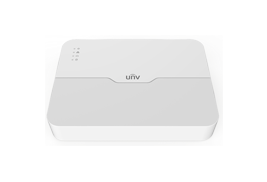
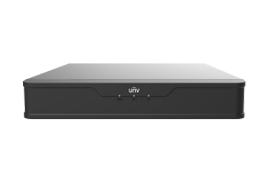
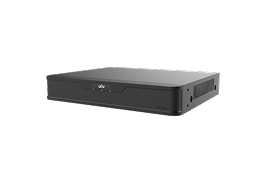
To get true and solid reliability, security teams must use high-quality NVRs that have special, separate chips built just for handling the RAID math. This is exactly where the Uniview Pro Series Network Video Recorders show their true strength. Built specifically for tough environments, the Pro Series offers a complete way to keep the whole system running smoothly. These machines use professional storage designs that handle complex RAID math easily, making sure the system fixes itself without slowing down the main video screens. They also feature a 1+1 failover setup, meaning if a whole machine breaks down, a backup machine takes over right away to keep the business safe.
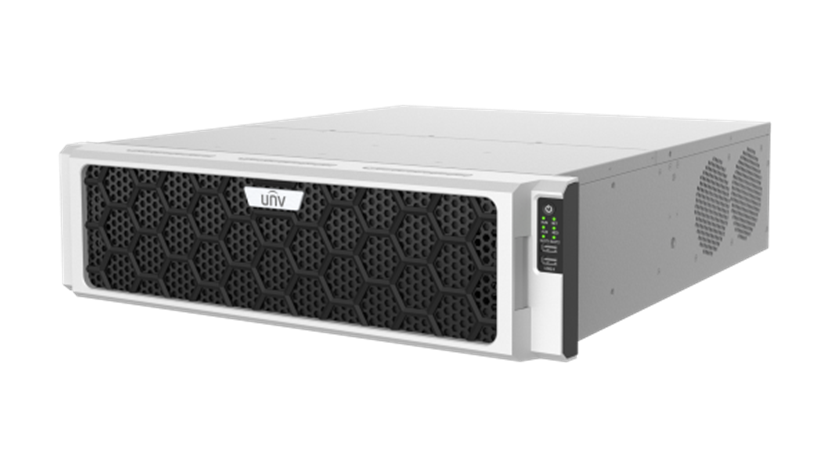
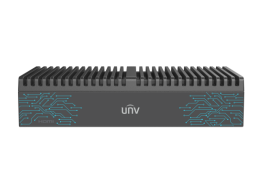
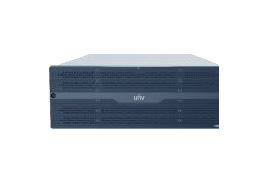
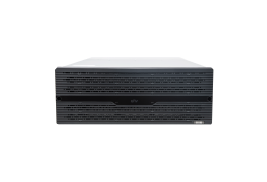
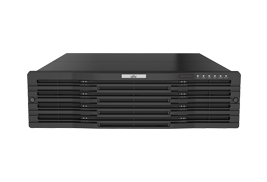
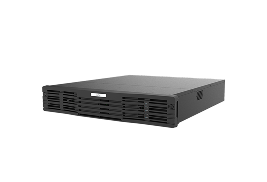
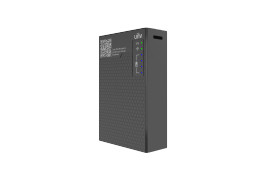
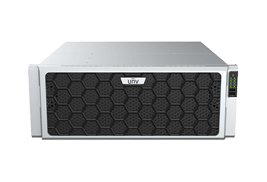
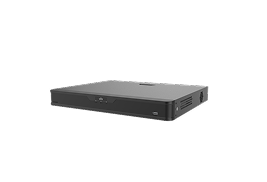
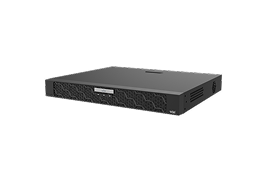
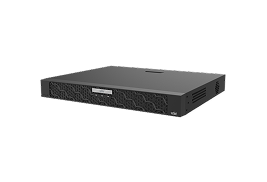
To really see what a strong, RAID-ready storage machine looks like, we can look closely at the Uniview NVR816-64-R-IM-4G. This large 64-channel Network Video Recorder is a top example of how to build a safe, high-capacity system that does not lose data.
The NVR816-64-R-IM-4G is built to match whatever rules your security team has. It fully supports RAID 0, 1, 5, 6, 10, 50, and 60. Whether a large store needs the double safety of RAID 6 or a factory needs the super-fast writing of RAID 10 to read license plates quickly, this NVR has the strong parts to make it happen. It also lets workers swap out broken drives without turning off the 64 cameras.
Sitting inside a strong metal case, this NVR has 16 SATA hard drive spaces. If you set it up with RAID 6, you get a massive amount of space that can hold weeks or even months of very clear video while keeping the safety net of being able to lose two drives without a problem.
Being professional also means the system can get bigger as the business gets bigger. The NVR816-64-R-IM-4G has special connection ports on the back. If the 16 inside drives get full, security workers can easily plug in extra Uniview disk boxes. The Pro Series can grow to hold up to 56 hard drives in total, and the RAID math keeps all of them stable and safe.
Buying a top-tier Uniview Pro Series NVR is a great first step for protecting your data, but you also need to use good setup habits to make sure your hard drives last a long time:
In the professional security business, your cameras are only as good as the machine that saves the video. Losing data is never okay when you have to deal with police, safety rules, or business protection. RAID technology gives you a necessary guard against the sure thing that hard drives will eventually wear out. It offers extra copies of your data, keeps the cameras recording without stopping, and provides the fast speeds needed for modern 4K video. By choosing strong equipment like the Uniview Pro Series and the NVR816-64-R-IM-4G, business owners can relax knowing their important video files are locked down tight.
A: No, it cannot replace a real backup. While RAID is very good at stopping you from losing video when a single hard drive breaks, it will not help if the whole NVR is stolen, burned in a fire, or destroyed by lightning. You should always send your most important video to a different building or the cloud just to be completely safe.
A: The time it takes really depends on how big the new hard drive is and what RAID level you picked. A large modern hard drive might take anywhere from 12 hours to a full day to completely rebuild itself. The best part about the Uniview Pro Series is that the NVR keeps recording new video and lets you watch old video while it does this heavy work in the background.
A: Because a RAID 5 setup only has enough math bits to cover one broken drive, losing two drives at the exact same time means all the video on every single drive is gone forever. If you are using many large hard drives for a big business, it is a very smart idea to upgrade to RAID 6, which is built to survive two broken drives at once.